
Featured



Reduce bandwidth usage and improve deployment performance with Microsoft Connected Cache. This guide walks through deploying a Connected Cache server, configuring Intune Delivery Optimization, and enabling automatic cache discovery to optimize Windows updates and Intune-managed applications.
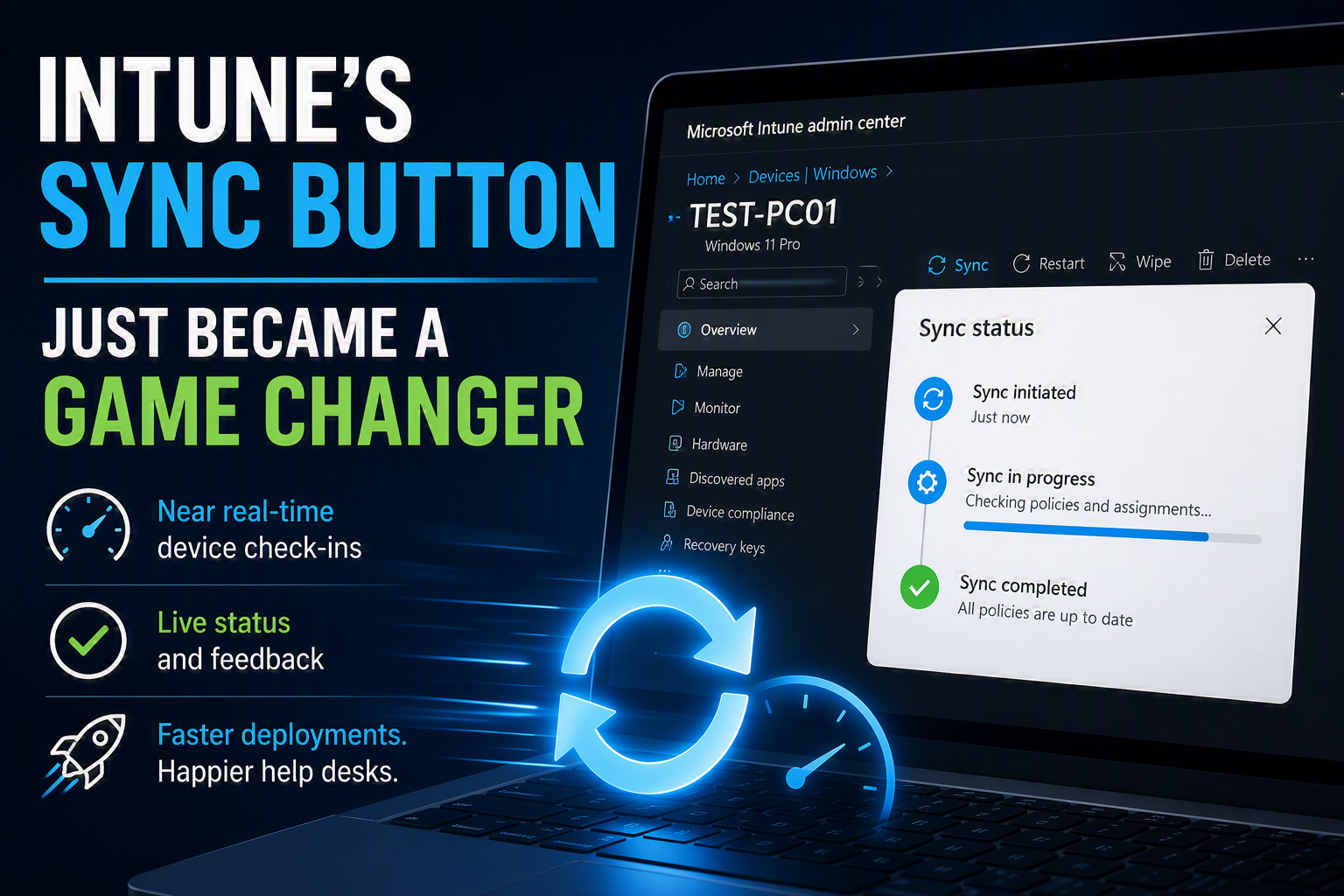
The Intune Sync button may have just gone from one of the most overlooked features in the admin center to one of the most powerful. Microsoft's new near real-time sync experience allows administrators to trigger device check-ins almost instantly, dramatically reducing deployment delays and improving support response times. Let's see it in action and explore why this is a game changer for IT teams.
As organizations transition from traditional Group Policy to Microsoft Intune, policy conflicts are common—especially in hybrid environments. This post walks through how to identify, manage, and control configuration conflicts between Intune and Group Policy, ensuring Intune policies take precedence and behave as expected during migration.
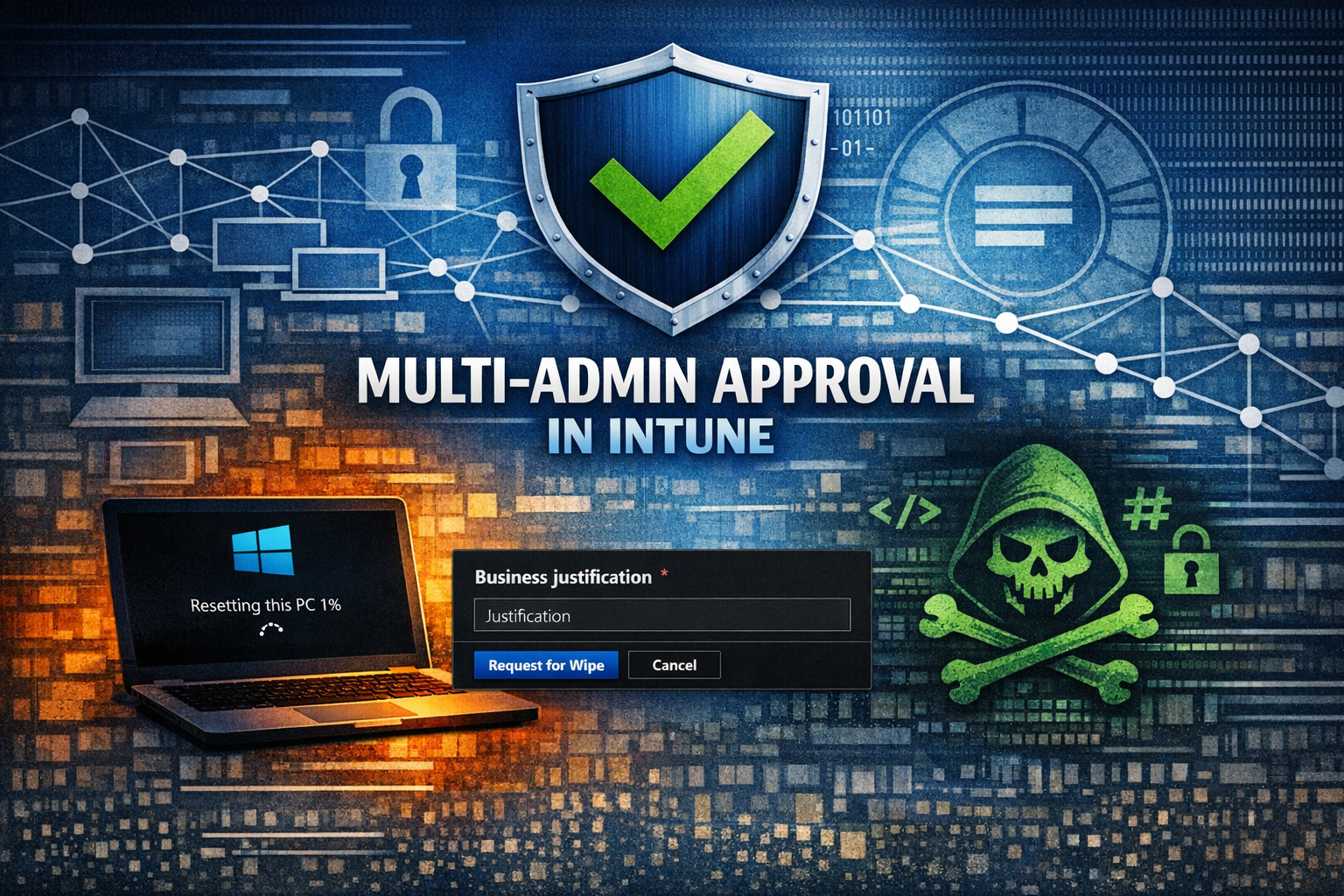
Multi-admin approval in Microsoft Intune adds a critical layer of protection by requiring a second administrator to approve high‑impact actions such as device wipes and deletions. In this post, we’ll walk through how to enable multi-admin approval, explain how it works in practice, and discuss current limitations you should understand before rolling it out in your organization.
In this blog post, I’ll walk you through how to disable Phone Link on Windows 11 endpoints by creating a configuration profile using Microsoft Intune.
Welcome back to Part 3 of what will now be a 4 part series of Managing Windows Updates with Intune. If you missed one of my previous posts, you can view them below.
Microsoft 365 companion apps are a new suite of apps included with Microsoft 365 Apps (Office, Word, Excel) that provides users with quick access to key tools directly from the Windows 11 taskbar. In this blog post, I’m going to give you a short preview of them, and discuss why and how you should disable them.
Welcome to part 2 of Managing Windows Updates with Intune. If you haven’t had a chance, take a look at part 1 of my post, where I show you how to configure update rings.
One of the first things you should do when switching to Autopilot is have your hardware manufacturer import any newly purchased endpoints hardware hashes directly into Intune. This tells the endpoint which autopilot profile and settings to use when logging in for the first time. However, during the transition process to Autopilot, one of the challenges you may have is older endpoints that were never enrolled to use Autopilot.
Microsoft has introduced a major upgrade to app inventory reporting in Intune, replacing the legacy Discovered Apps experience with a new unified All Apps report. This update brings significantly faster data synchronization—now refreshing as often as every 24 hours—but requires administrators to configure a Device Inventory policy to enable it. In this post, we walk through how to set up the policy, understand the new reporting experience, and what this change means for endpoint visibility moving forward.